How do I add images
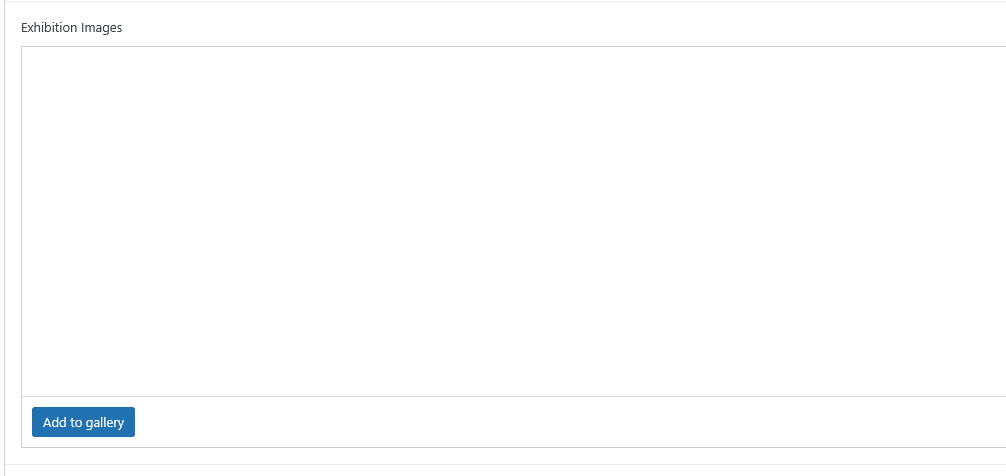
In either Exhibition Images or Past Exhibition Images, click on “Add to Gallery.”
Choose either Upload files or an image from the Media Library
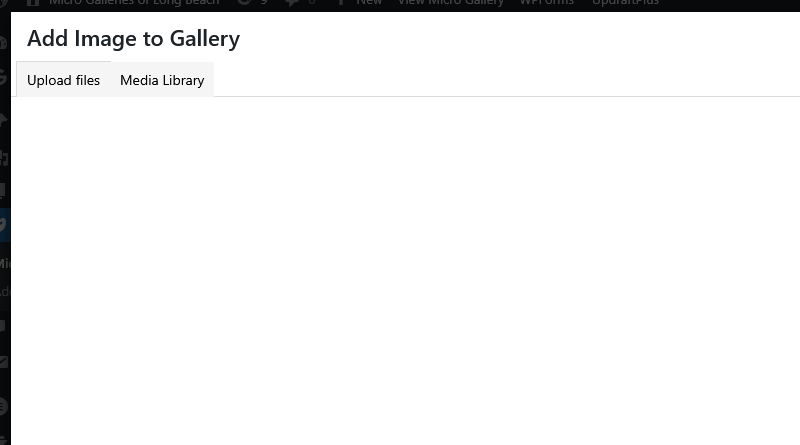
If you need to add a file, choose Upload files. This will open a directory on your computer. Find the location of the image you want, click on that image and upload that image.
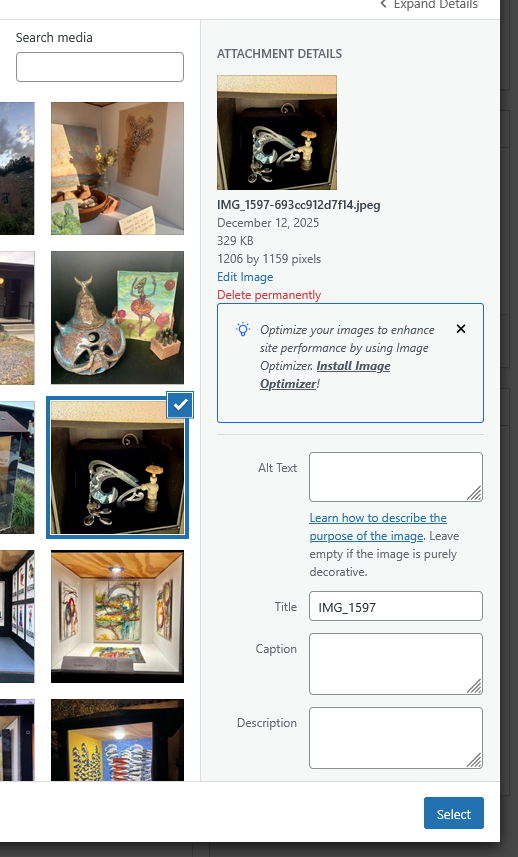
Once the image file has been uploaded, choose it and click on Select. Bottom right. But if you want to add text to an image, type the name or text into the box titled “Caption” as shown below prior to clicking Select.
How do I add text to images that are already there
This can also been done to images after they have been uploaded and inserted into the page for your gallery by selecting the image and choosing to edit the image. This appears to the right as shown below. Add your text to the Caption box and then select Update.
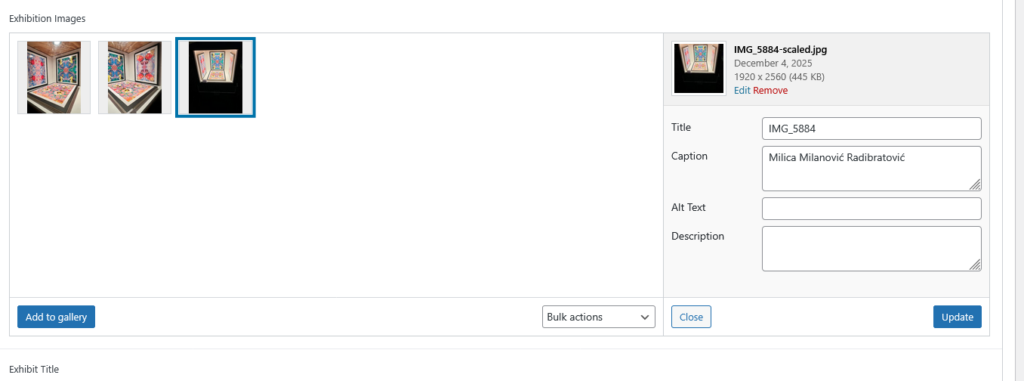
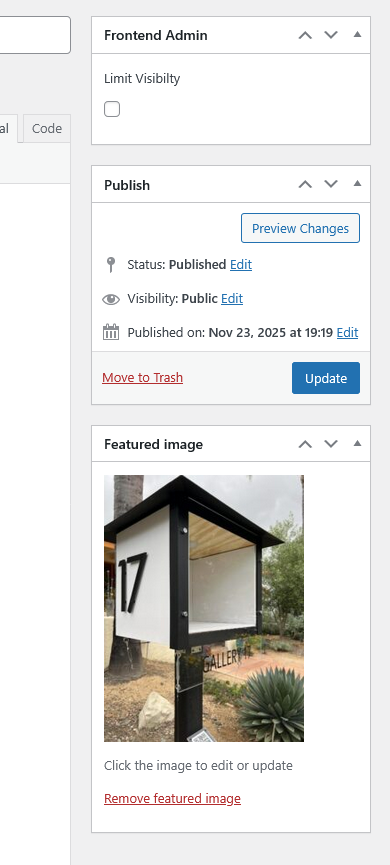
You will need to save your changes to the page by selecting Update on the right as shown below.
How do I find artists
- Go to openings at other galleries, either at micro galleries or brick and mortar galleries, to meet or find exhibiting artists you like and talk to them about exhibiting in your gallery.
- Visit sites such as Arts Council of Long Beach and connect with artists that are of interest.
- Use artists resources like Art and Cake and Art Clout to find artists to potentially exhibit.
- Create an Instagram page for your gallery and post open calls.
- Network with other micro art galleries and artists.
- Participate in the Long Beach Open Studio Tour to meet local artists.
How do I promote my gallery
- Instagram is great, but be active. That means posting your exhibits and openings while liking and sharing those of others on a regular basis.
- Get out and attend local art events. Even those like 1st Fridays and others.
- Attach the Micro Galleries of Long Beach sticker to your gallery front.